
v1.3.0Rezepte as an app, timers that ring
Rezepte installs as an app that takes links shared from other apps, times in a step start cook timers that ring when they are done and reach a locked phone, the household hears about comments, new recipes and tasty marks by mail and push, and the overview lays out its cards in the size you choose.
Released
Before you upgrade
ghcr.io/s-frei/rezepte:1.3.0.Upgrade as usual (see Updates). A few things are worth knowing as the one who runs it:
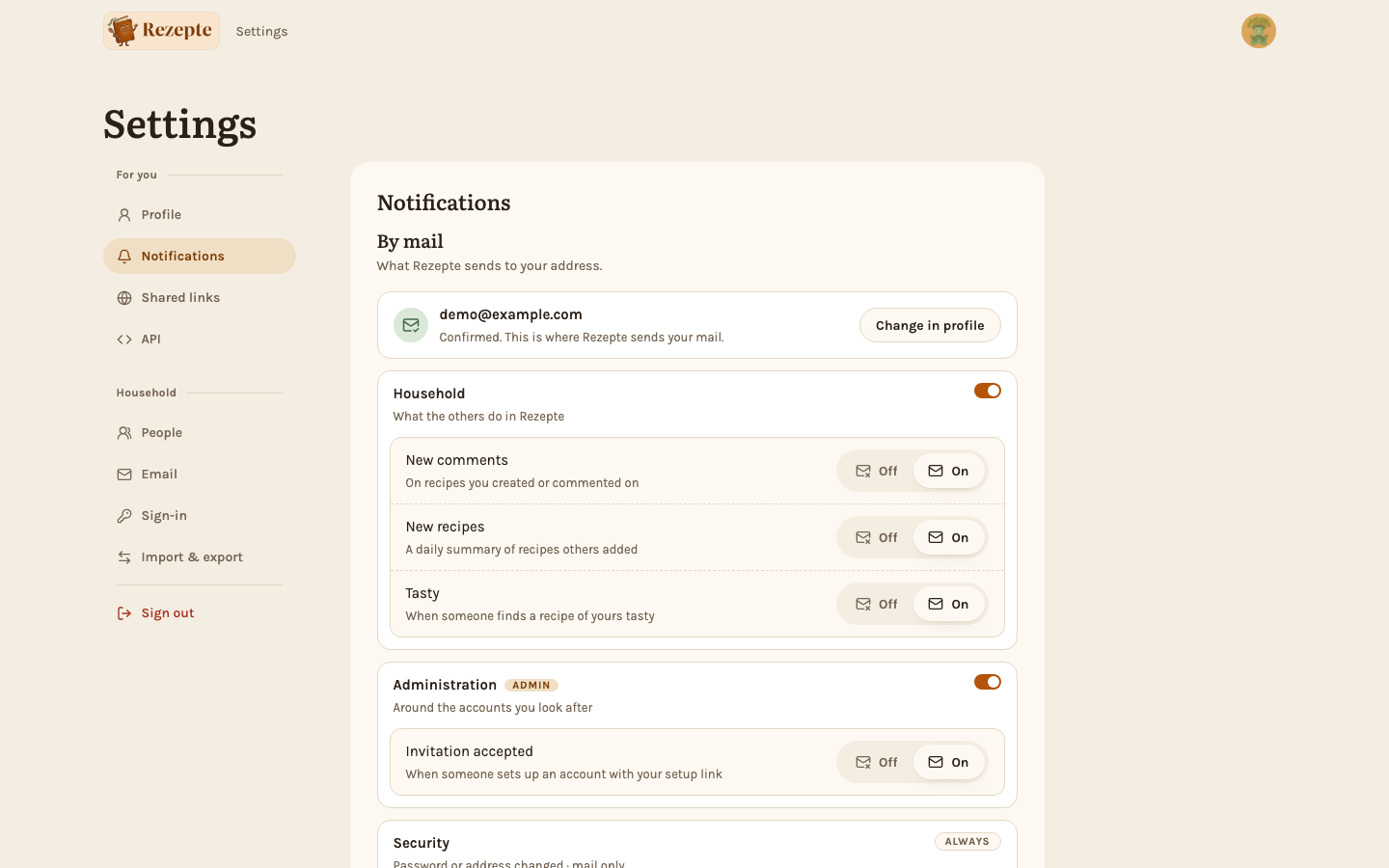
- Notifications are on until people switch them off. With mail set up, everyone with a confirmed address starts getting mails about new comments, recipes of theirs found tasty, accepted invitations (admins) and, once a day at 17:00, the recipes the others added. You can move that hour under Settings → Notifications.
- Mail follows the server's time zone, UTC unless you set
TZ, for exampleTZ: Europe/Berlinin the compose file: both the 17:00 of the daily mail and the times written in mails (see Configuration). - Push notifications and installing the app need HTTPS. Over plain HTTP everything else works, mail included (see Reverse proxy).
- Give Rezepte time to stop. A stop now waits for a daily mail that is going out, which can take up to two minutes. Add
stop_grace_period: 2m30sto your compose file,--stop-timeout 150to yourdocker run, orTimeoutStopSec=150to a systemd unit (see Docker and Binary).
Rezepte as an app
Install Rezepte and it sits on your home screen or in your dock with its own icon and opens in its own window; a note at the top of the overview on a phone, the "Rezepte as an app" card in Settings and "Install app" in the account menu offer it, and on an iPhone they show the three steps in Safari. Press and hold the icon on Android, or right-click it on a computer, for Import, New recipe and Favorites. Installed on Android, or in Chrome or Edge on Windows or ChromeOS, it joins the share menu: share a recipe page or a link from any app to Rezepte, and the import dialog opens with the link in it (Share to Rezepte; on Android, install from Chrome). On an iPhone or iPad, the installed app is what lets a cook timer and the household's notifications reach a locked phone; elsewhere the browser does that too. See Install Rezepte as an app.
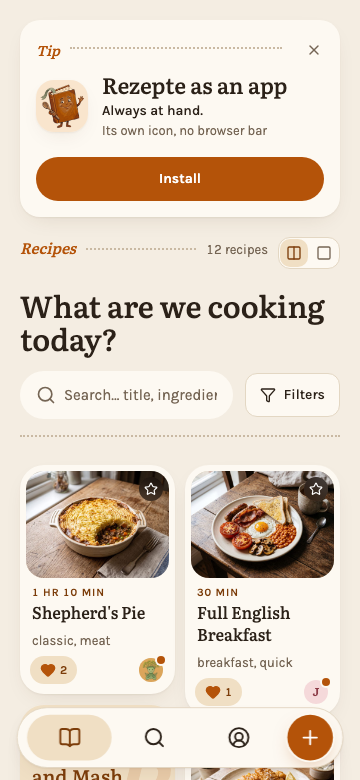
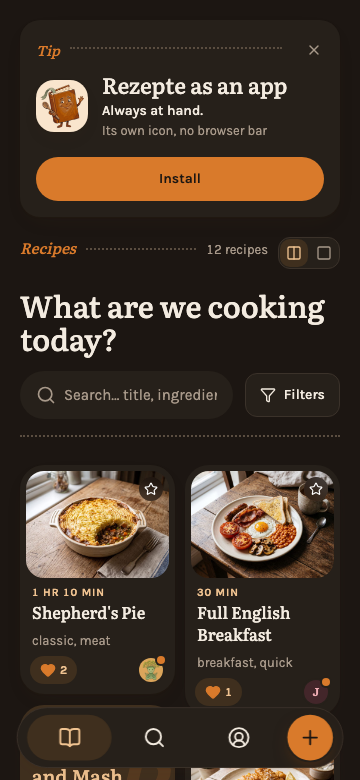
Installing and push need Rezepte on a secure address, behind a reverse proxy with TLS; on an iPhone or iPad, push works only in the app added to the home screen.
Timers that ring when a step is done
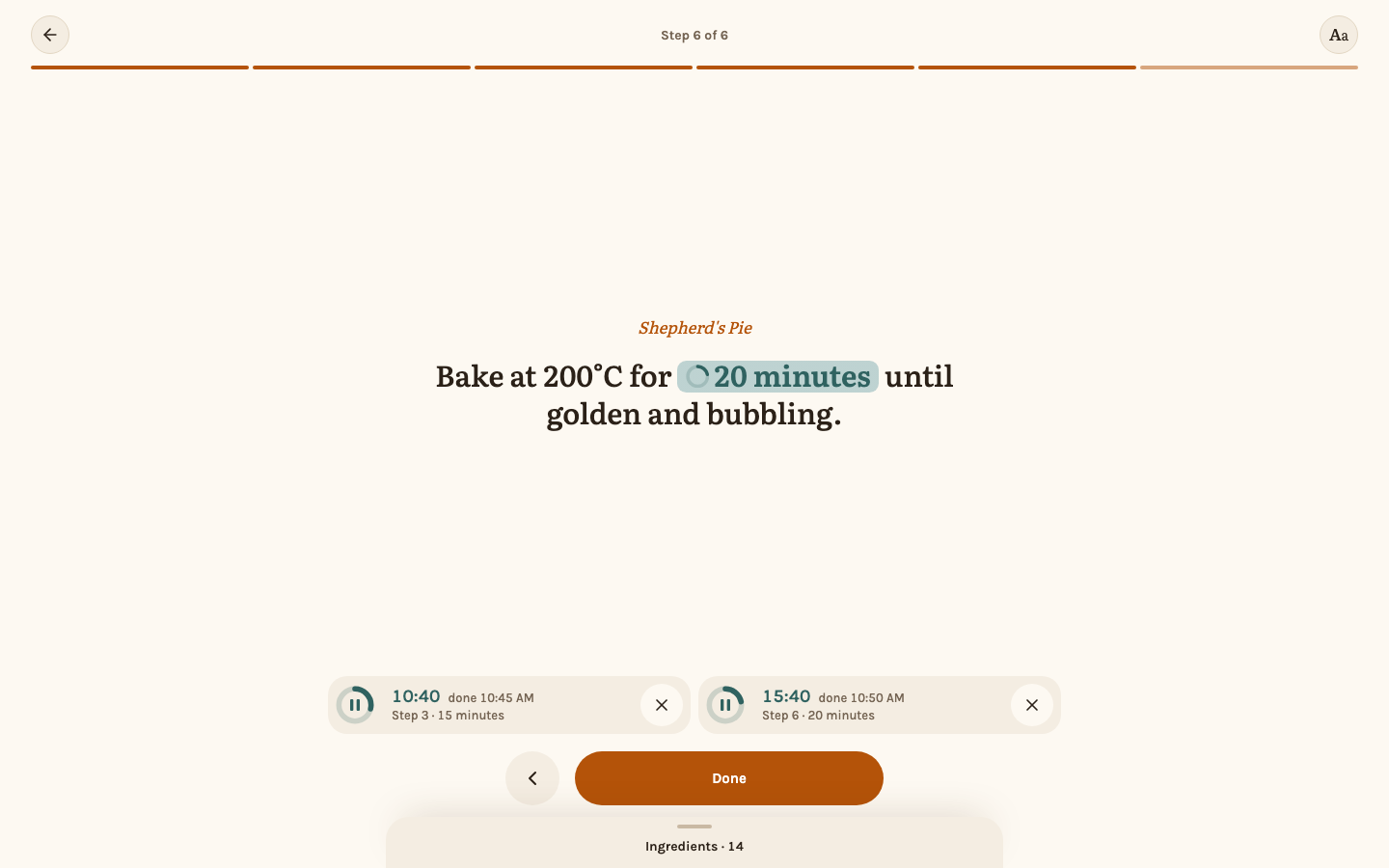
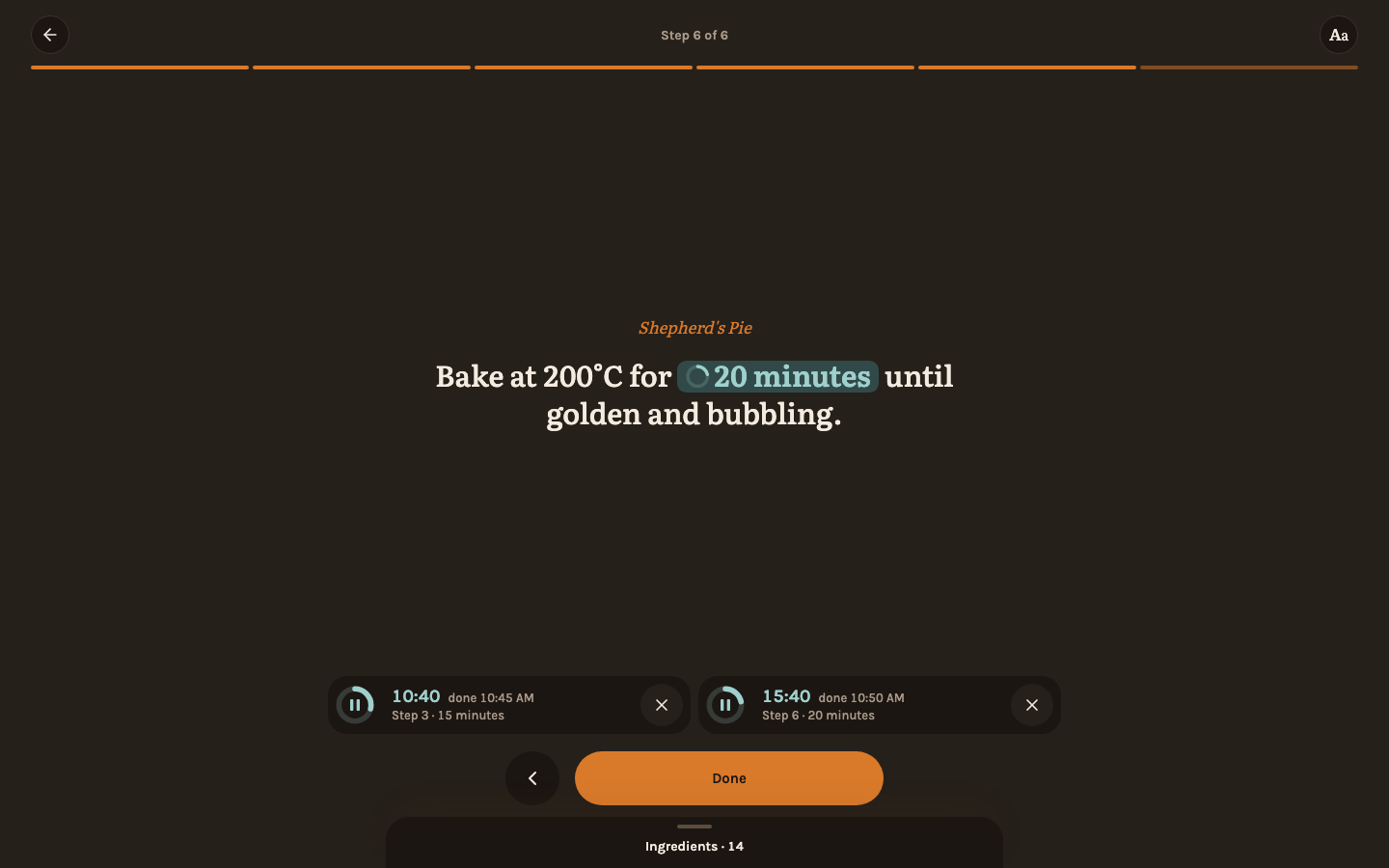
In cook mode, the times marked in a step are buttons: tap "20 minutes" and a timer runs, beside those of other steps or recipes. Timers keep running when you change steps, leave cook mode or reload, and outside cook mode the next one to end waits at the bottom of the screen, where a tap shows them all. When one ends, a banner stays until you tap "Off", and a chime sounds for up to two minutes; allow notifications once, and a timer that ends while the phone is locked or Rezepte is in the background arrives as a notification that opens its step. See Cook mode.
Hear what happens in the household
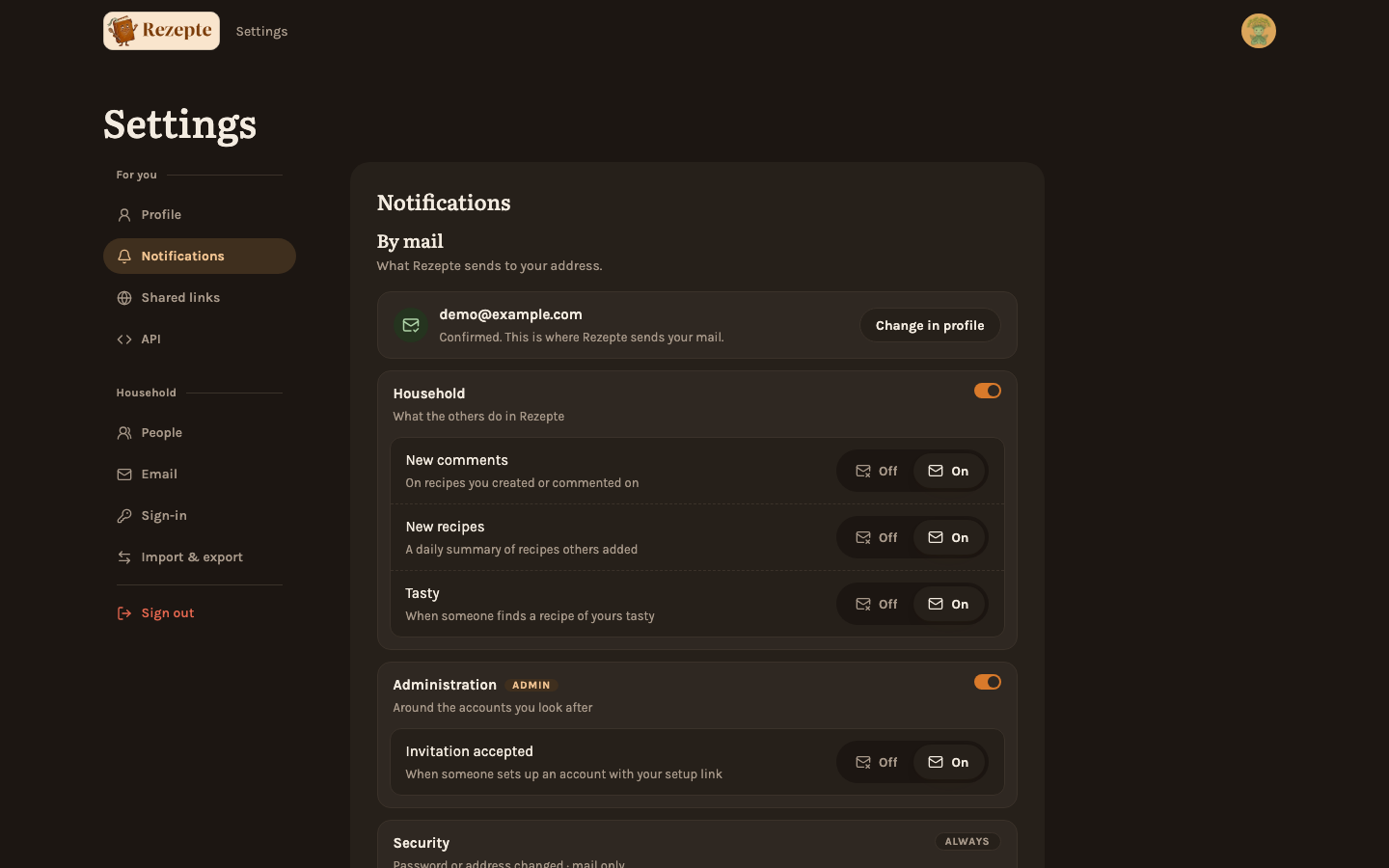
Rezepte now tells people by mail, as a push on the devices they enable, or both: a new comment on a recipe you added or commented on, the recipes the others added (once a day), someone finding your recipe tasty and, for admins, an accepted invitation; the owner gets a push when mail stops getting out. While Rezepte is open, a push also shows inside the app, with Open to go to it. Everything is on until you switch it off under Settings → Notifications, per notification and channel or a whole group at once. Each notification mail carries an unsubscribe link that works without signing in, and your mail app's own "Unsubscribe" button switches the mail off in one click. Security notices, which cannot be switched off, mail you when your password, your address or your ways to sign in change. See Notifications and Mail.
An overview in the size you choose
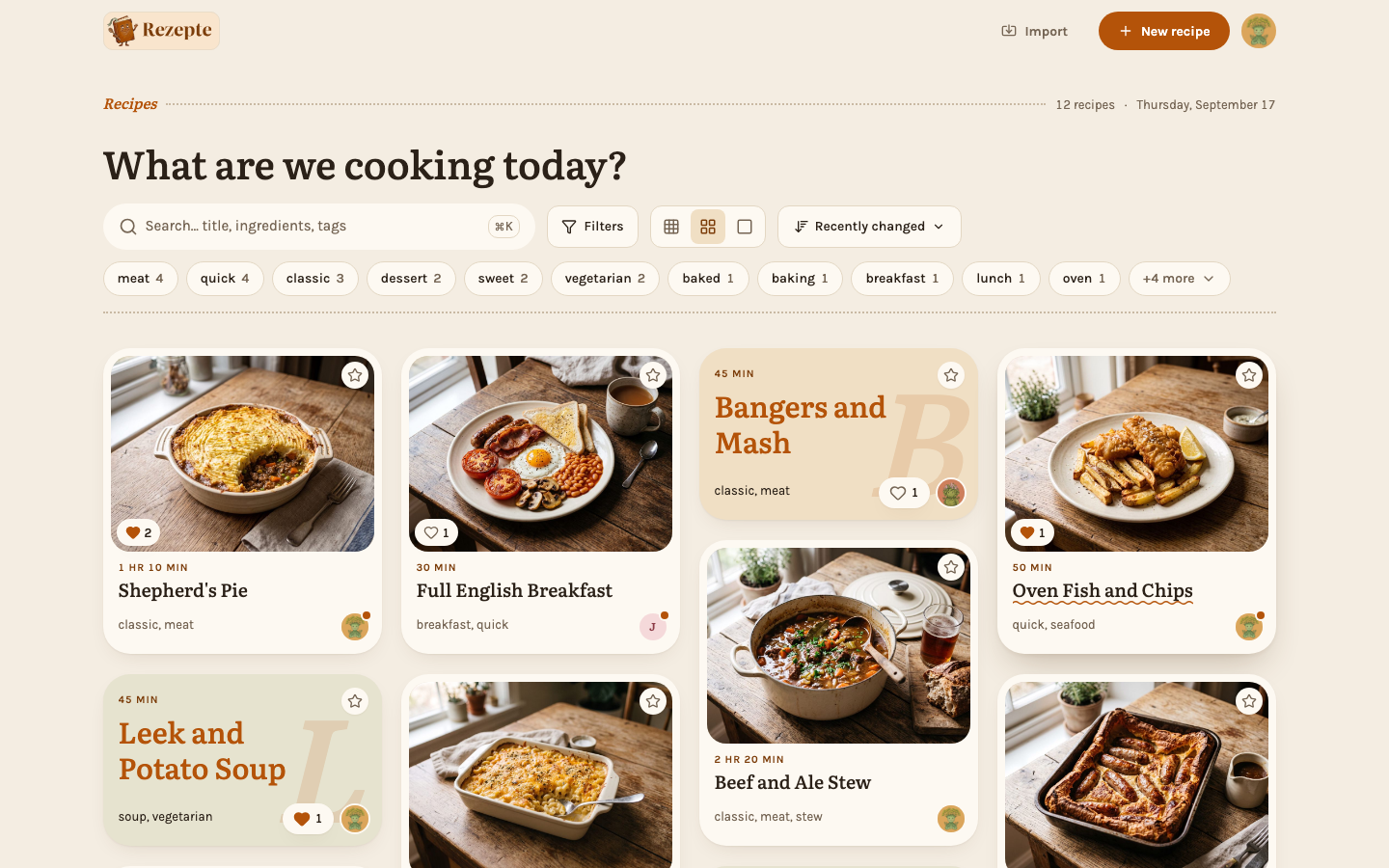
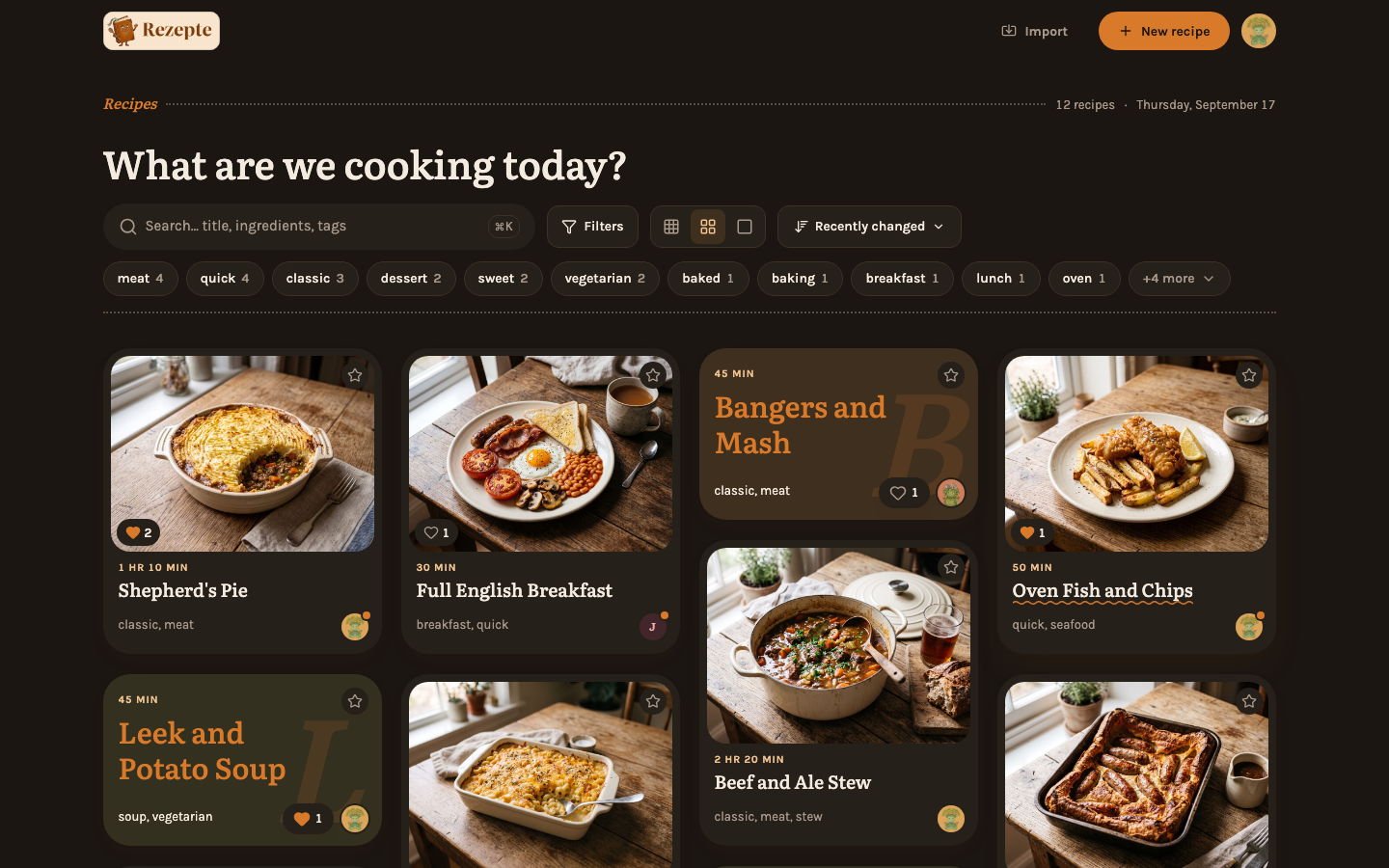
The overview is a masonry of cards, each as tall as its content, and a recipe without a photo gets a short card in its own color. Choose small, medium or large cards on a wide screen, or one or two per row on a phone. The search box suggests tags as you type, counted under the filters you set, the filters stand as chips beneath it, and the sort order you pick is remembered on the device. Rezepte moves with it: pages fade into each other, a card's photo grows into the recipe's cover, cards glide to a new order and the sign-in card opens into the app, unless your device asks for reduced motion. See Recipes and Tags and search.
API
- Notifications:
GETandPUT /api/v1/auth/me/notificationsread and switch the signed-in account's notifications as{"kinds": {"comment": {"mail": true, "push": false}, …}, "groups": {"household": {"mail": true, "push": true}, …}};PUTtakes only the pairs to change. The kinds arecomment,recipe,tasty,invite_acceptedandmail_failing, the groupshouseholdandadmin. Session only. - Unsubscribe:
GET /api/v1/unsubscribeandPOST /api/v1/unsubscriberead and switch what a mailed link reaches, andPOST /api/v1/unsubscribe/one-clickis the one-click unsubscribe of RFC 8058. They take the signedu,kandsfrom the link and need no sign-in. - Push:
GET /api/v1/push/key,PUTandDELETE /api/v1/push/subscription,POST /api/v1/push/alarms,DELETE /api/v1/push/alarms/{id}andPOST /api/v1/push/testregister a device, schedule and cancel a timer's push and send a test. Session only. - Sign-in:
GET,PUTandDELETE /api/v1/settings/sign-inread, save and clear the identity provider, for the owner with a session. The secret is never returned, onlysecretSet, and whileREZEPTE_OIDC_*sets the provider, or withoutREZEPTE_PUBLIC_URL, saving and clearing answer409. - Comment photos:
POST /api/v1/recipes/{id}/comment-imagesuploads a photo (JPEG, PNG or WebP, at most 10 MiB) for a comment to list inimageIds. Comments carryimages, served under/images/{recipeId}/comments/{imageId}/{file}, andPOST /api/v1/recipes/{id}/images/from-commentadds one to the recipe's photos. Writing takesrecipes:write, readingrecipes:read. - Overview:
GET /api/v1/tagstakes the list's filters (q,tags,maxMinutes,favorites,author) and then counts only the matching recipes.GET /api/v1/authorsentries carryidandavatarId, recipe cardscoverWidthandcoverHeight. GETandPATCH /api/v1/settingscarryrecipeDigestHour(0 to 23), the hour of the daily new-recipes notification, which the owner sets with a session.- Uploads over the 10 MiB limit answer
413also when the client sends no length; they answered422before. - MCP: three new tools,
add_photo(from a link),photo_upload_link(an upload link valid for 15 minutes, which needsREZEPTE_PUBLIC_URL) andget_photo. See Connect an AI assistant.
The API reference lists every endpoint.
Also in this release
- New: Comments take up to four photos, and whoever may edit the recipe can add one to the recipe's own photos. See Comments.
- New: The owner sets up sign-in through an identity provider under Settings → Sign-in, without environment variables or a restart. Rezepte checks the provider on saving and lists who loses sign-in before you switch or turn it off;
REZEPTE_OIDC_*still works and then locks the page. See Single sign-on. - New: An AI assistant can add photos to a recipe from a link, upload them from your computer and look at them. See Connect an AI assistant.
- Improved: On a phone, one bar at the bottom holds Recipes, Search, You and +; it settles out of the way while you read, and a recipe, the editor and cook mode do without it.
- Improved: In cook mode, a step taller than the screen fades where more follows, and "Whole step" opens it on its own. See Cook mode.
- Improved: Settings sorts its pages under "For you" and "Household".
- Improved: The "Added by" filter shows each person's picture.
- Improved: Ingredient amounts stand in a column of their own, so a long unit no longer runs into the name.
- Fixed: Going back from a recipe returns you to the same place in the overview, and a reload after "Load more" shows every page loaded before.
- Fixed: The page behind a large photo no longer scrolls, and every thumbnail under a recipe's photos can be reached.
- Fixed: The filter panel's scrollbar stays in view on iPhone and Mac.
- Security: Rezepte is built with the latest Go release and libraries, which fix flaws in handling uploads, ranged image downloads and HTTPS certificates, and in reading the pages recipes are imported from. Upgrading is recommended.
v1.3.1The app offers notifications
The installed app offers to turn on notifications, sheets on a phone close with a pull on their handle, and going back, card sizes and sheets behave on phones.
v1.2.0Comment on recipes, import them from a link
Everyone can comment on a recipe and import one from a website or pasted text, steps show where they wait, and once the owner connects a mail server Rezepte mails invitations and links for a forgotten password.