
Notifications
What Rezepte tells you by mail and as a push notification, how to switch each on or off, and how to get push on a phone or computer
Rezepte tells you when something happens in the household: by mail, as a push notification on the devices you enable, or both. You choose each one under Settings → Notifications. Everything is on until you switch it off.
What arrives
| Notification | Who gets it | By mail | Push |
|---|---|---|---|
| New comment on a recipe that is yours or that you commented on, never for your own comment | everyone | yes | yes |
| New recipes the others added, once a day at the hour the owner sets under Settings → Notifications, 17:00 server time unless changed | everyone | yes | yes |
| Tasty: someone found a recipe of yours tasty | everyone | yes | yes |
| Invitation accepted: someone set up their account with your setup link | admins and the owner | yes | yes |
| Mail delivery failing: Rezepte can no longer send mail | the owner | no | yes |
What each mail looks like is under Mail. A push says it in one line and opens the page it is about when you tap it: the recipe's comments, the overview, the recipe, the list of people or, for failing mail, Settings → Email.
- Comments on one recipe share one notification on your device: each new comment replaces the one before, which then counts them, for example "3 new comments".
- While Rezepte is open in front of you, a notification also shows inside the app, at the bottom, with an Open button that takes you to it. The notification on your device stays as well, in case you were looking elsewhere.
- A tasty mark waits about a minute: someone who takes it back right away sends nothing.
- Mail delivery failingOwner only names what went wrong, such as a login the mail server refused or a server that cannot be reached. It comes at the first mail that fails, then at most once a day while mail keeps failing, and stops once a mail goes out again. A single address that bounces does not count, and neither does the test mail on Settings → Email, since you see its answer there. It is push only, since a mail could not warn you that mail does not get out.
Notices that your password, your address or your ways to sign in changed are not notifications: they always come, by mail only (see Security notices always come).
Choose what comes
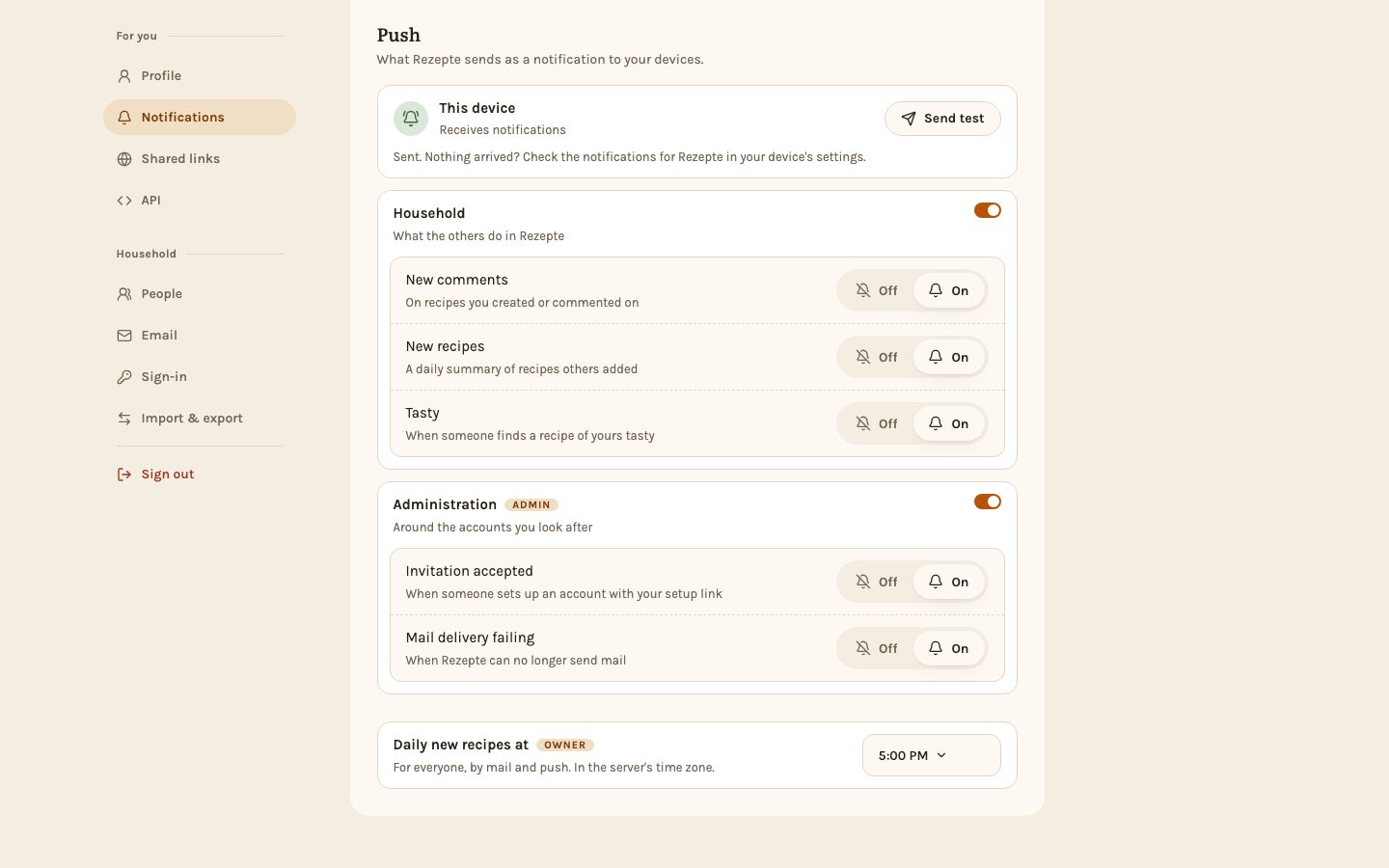
Settings → Notifications has two sections, "By mail" and "Push", with the same layout. Each change saves the moment you make it.
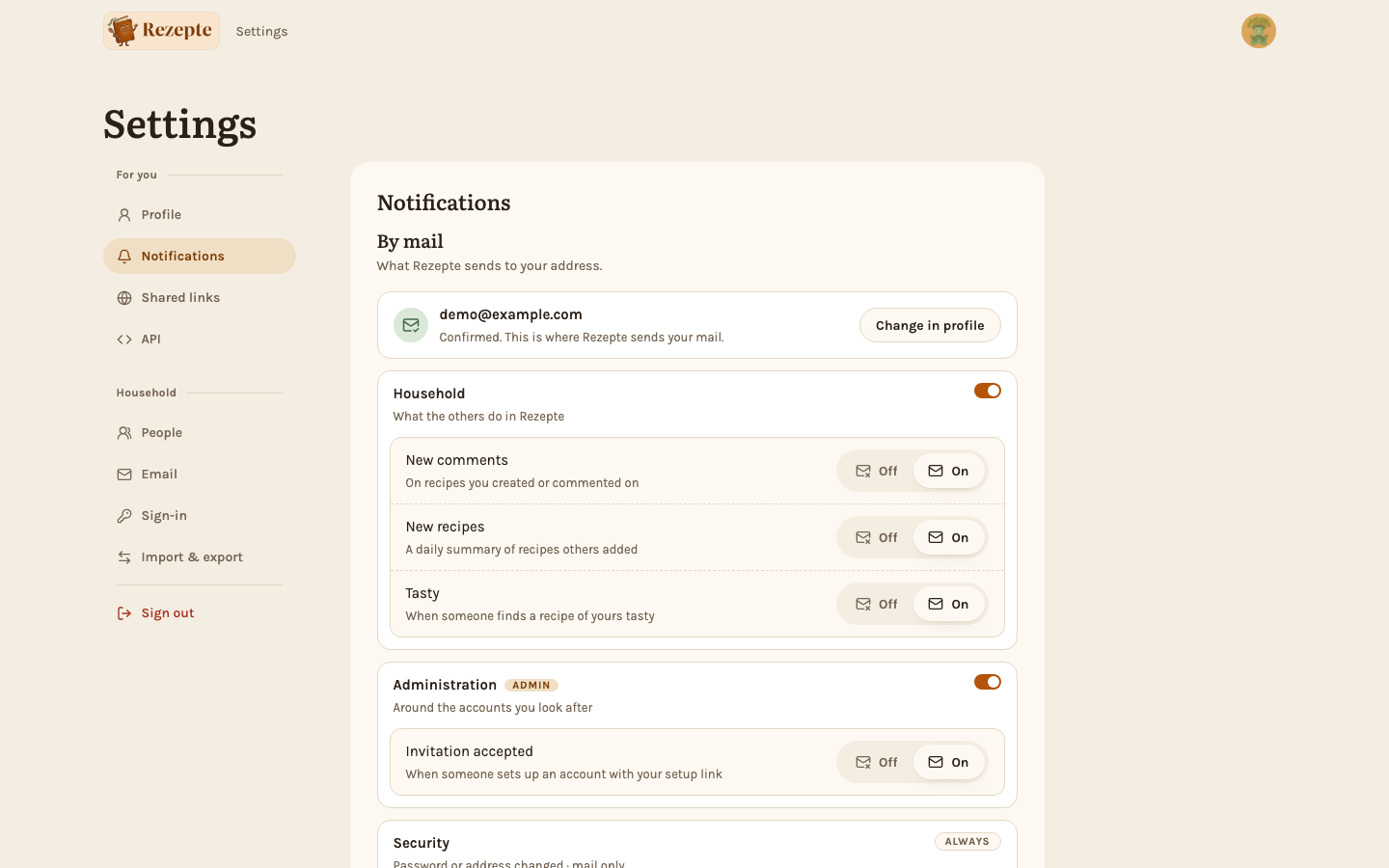
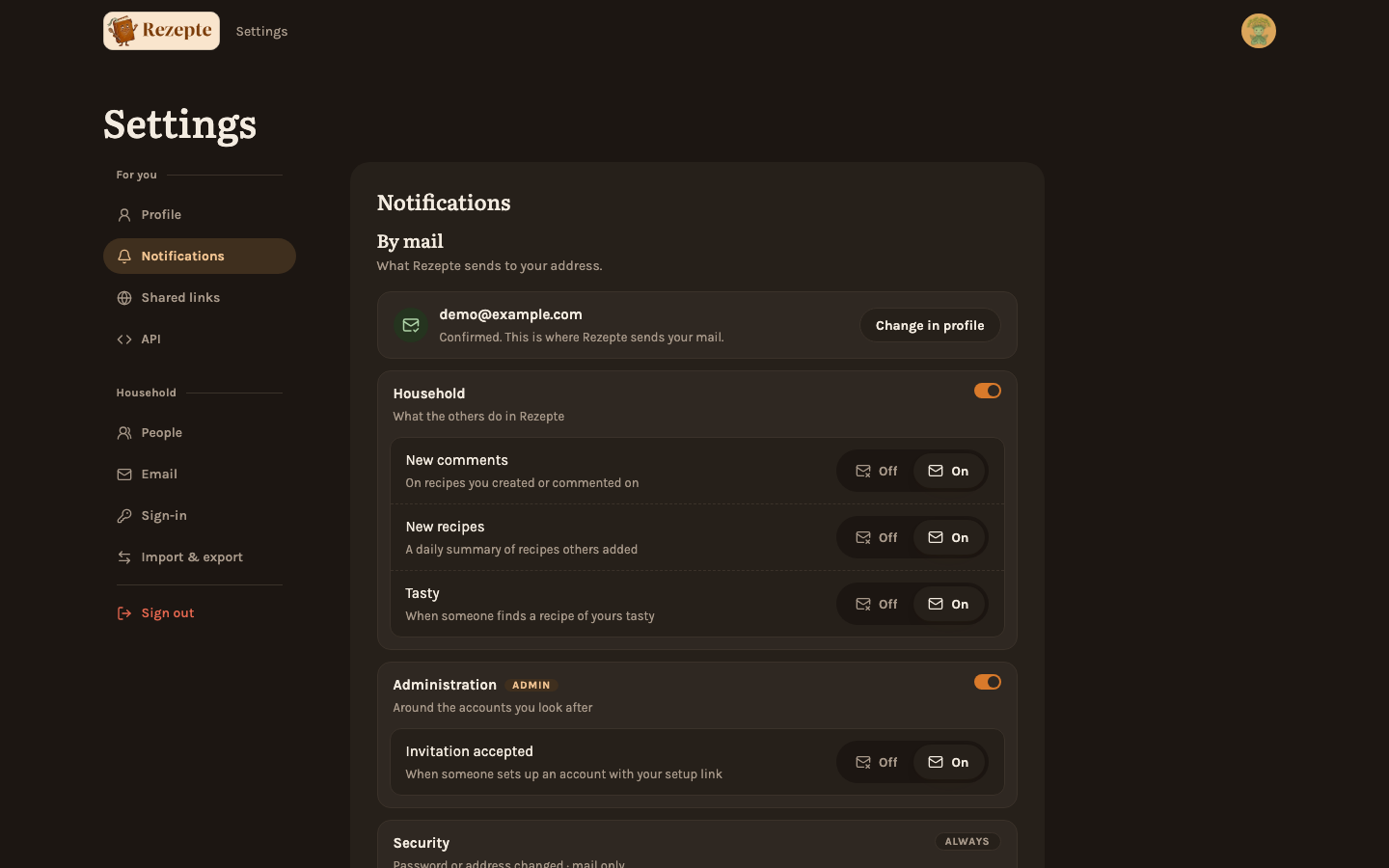
- Groups. "Household" and, for admins and the owner, "Administration" each have a switch that turns all their notifications on that channel off or on together. While a group is off, its notifications are greyed and cannot be changed; switch it on again and each comes back as you had set it.
- Off | On under a group decides one notification on that channel, so you can have comments by push only and the daily new recipes by mail only.
- Your address heads "By mail". Only a confirmed address gets mail: until yours is, the box says so and links to your profile to confirm it, and the choices below are greyed but can already be set. When mail is not set up on the instance, the box says that instead, and the owner gets a button to set it up.
- Daily new recipes atOwner only, at the end of the page, picks the hour the new recipes go out, by mail and push alike and for everyone, 17:00 unless you change it. It is the hour in the server's time zone, UTC unless the server sets
TZ(see Configuration), and it saves the moment you pick it. Moving it to an earlier hour on a day they already went out takes effect the next day.
Your choices belong to your account, not to one device: what you set on your phone also applies to your computer.
Push on this deviceNew
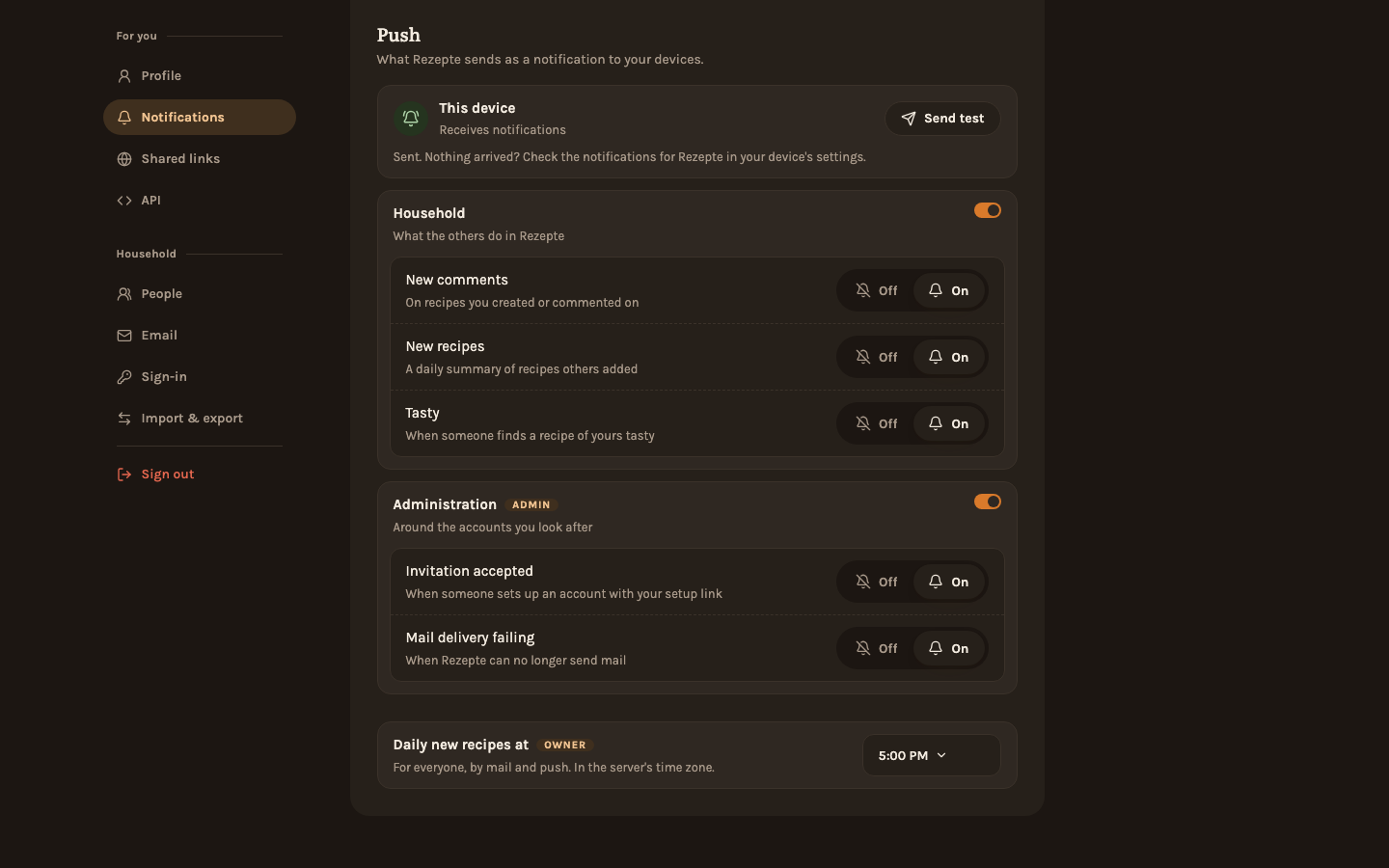
Push notifications reach a device only after you enable them there, once per phone, tablet or computer and browser. The box "This device" at the top of "Push" says how this one stands:
Enable it
Click Enable on this device and allow notifications when the browser asks. The box then says "Receives notifications". If you have allowed notifications for a cook timer on this device before, it is enabled already.
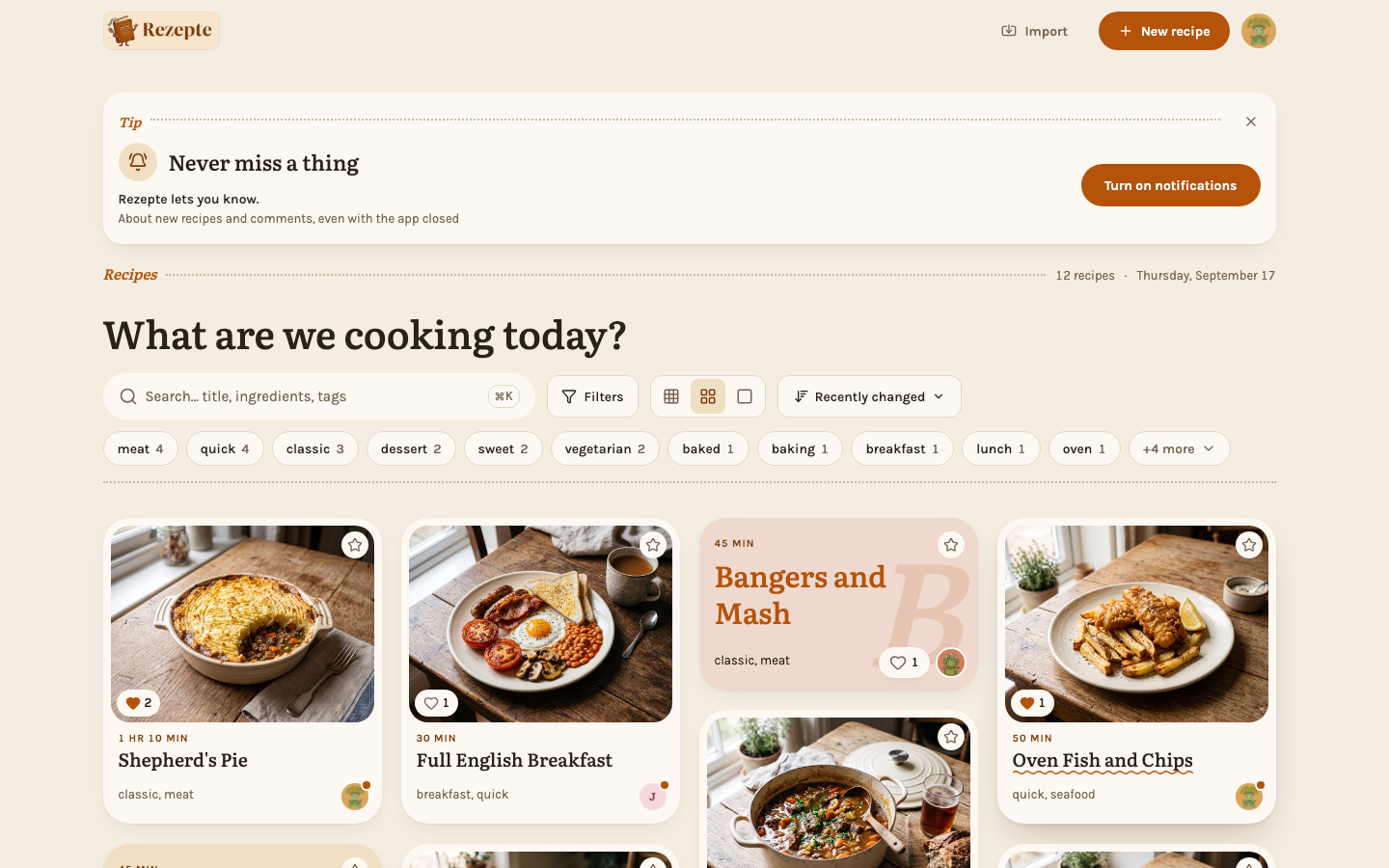
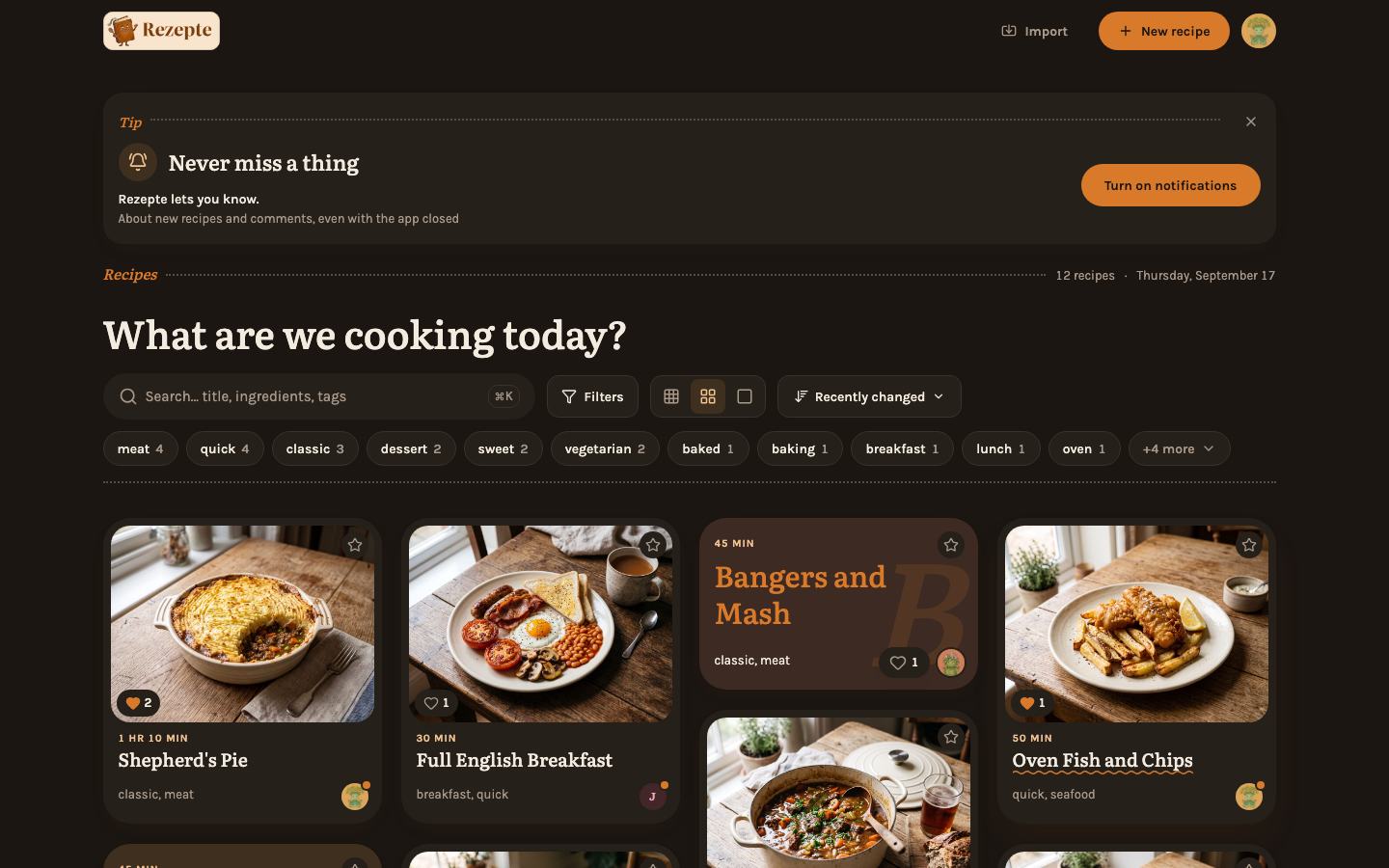
In the installed app, the overview offers this itself: a note headed Tip, "Never miss a thing", until the device has been asked. Tap Turn on notifications and allow them. The × hides the note for good on this device; this page stays.
Send a test
Click Send test. A notification "Rezepte · Test" arrives on this device within a few seconds; tapping it opens Settings → Notifications. Rezepte cannot see whether your device showed it, so the box only says it was sent. You can send one test every ten seconds.
On a device where the switches under "Push" are greyed, nothing arrives yet: they still set what your other devices get.
Push on a device lasts as long as you are signed in there. Signing out, changing your password (which signs out your other devices) or not opening Rezepte on that device for 30 days ends it, so a lost phone stops showing your household's notifications. Tapping a notification opens Rezepte and counts as using it. After you sign in again, the device receives notifications again by itself.
When nothing arrives
- The box says notifications are blocked. You, or the device, declined them once, and the browser does not ask again. Allow notifications for Rezepte in the browser's site settings (the icon left of the address) or in the system settings, then come back to the page.
- The box says push does not work in this browser. The browser has no push, or Rezepte is not open over HTTPS (see below). On an iPhone or iPad this is what Safari shows: see the next section.
- The test was sent but never showed. Look in the device's notification settings for your browser or the Rezepte app: notifications, banners and sound must be on there, and Focus or Do Not Disturb must not hold them back. On a computer, the system also has to allow notifications for the browser.
- The test arrived, but the household's notifications do not. Check the group's switch and the Off | On under "Push"; and remember that you never get a notification for what you did yourself.
- The device is shared. A device gets the notifications of whoever signed in on it last. Signing out stops them, and the next sign-in brings them back for whoever signs in.
- Notifications stopped after a while. Rezepte was not opened on this device for 30 days, so you were signed out there. Sign in again.
iPhone and iPad
On an iPhone or iPad, push works only in the Rezepte app on the home screen, not in Safari (iOS 16.4 or later). Add Rezepte to the home screen first (see Install the app), open it from there, sign in, and enable push in Settings → Notifications inside the app.
Push needs HTTPSOwner only
Browsers send push notifications only to a site on a secure address, so on plain HTTP (other than localhost) every member's "This device" box says push does not work. Put Rezepte behind a reverse proxy with TLS; nothing else needs setting up. Mail notifications do not depend on it.